
Choose a story
Start with a built-in picture set. Select 4, 6 or 9 cards in settings.
Pictures. Your voice. Your story.
Arrange the pictures, tell a story in your own words and listen back. FluenTales gives children space to tell stories — at home, together and at their own pace.
Coming to Google Play for Android.
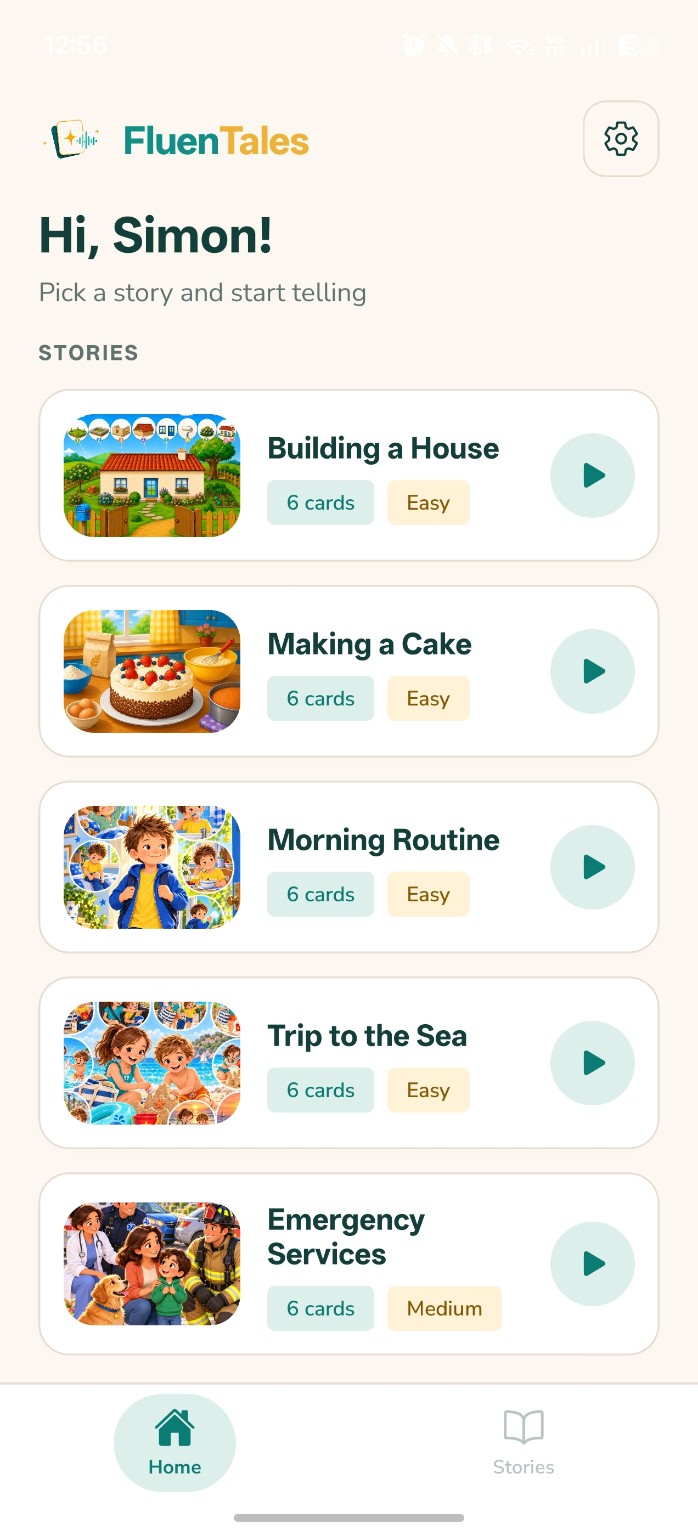
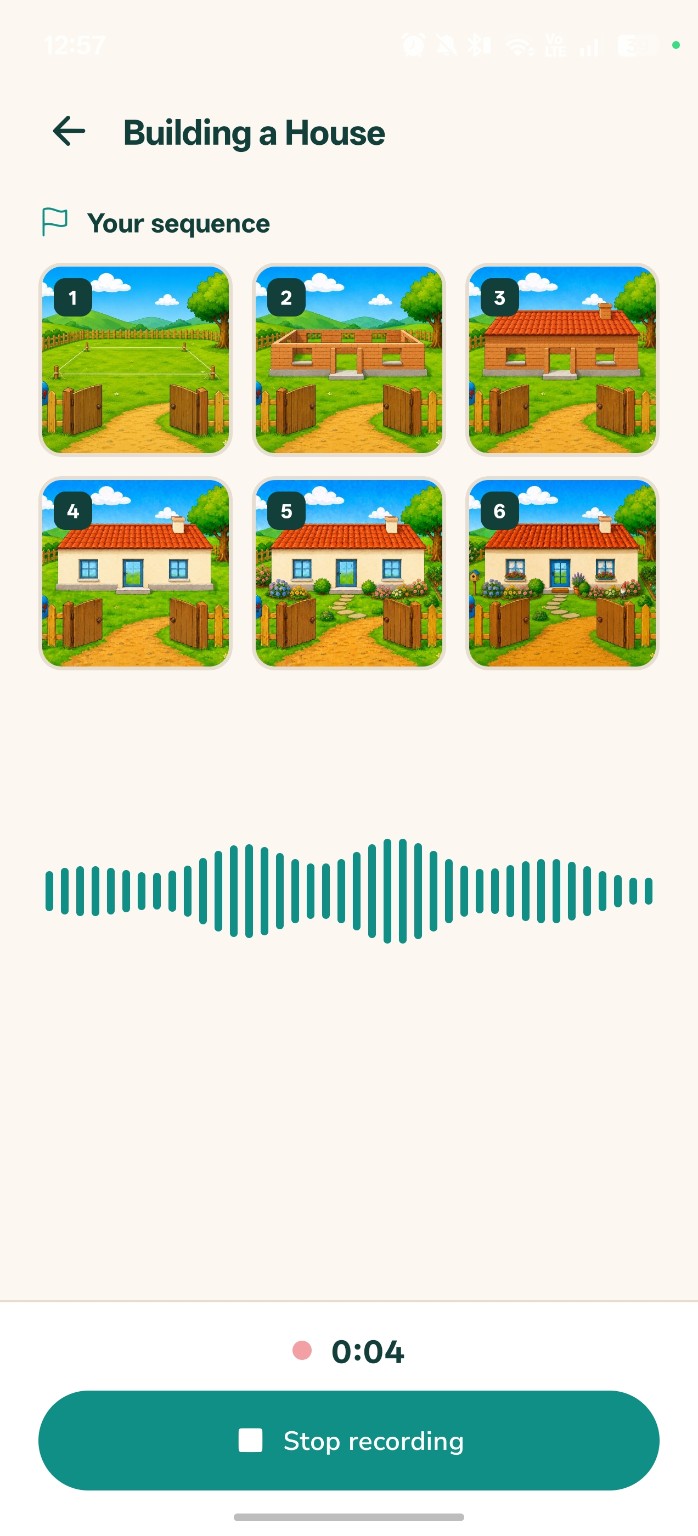
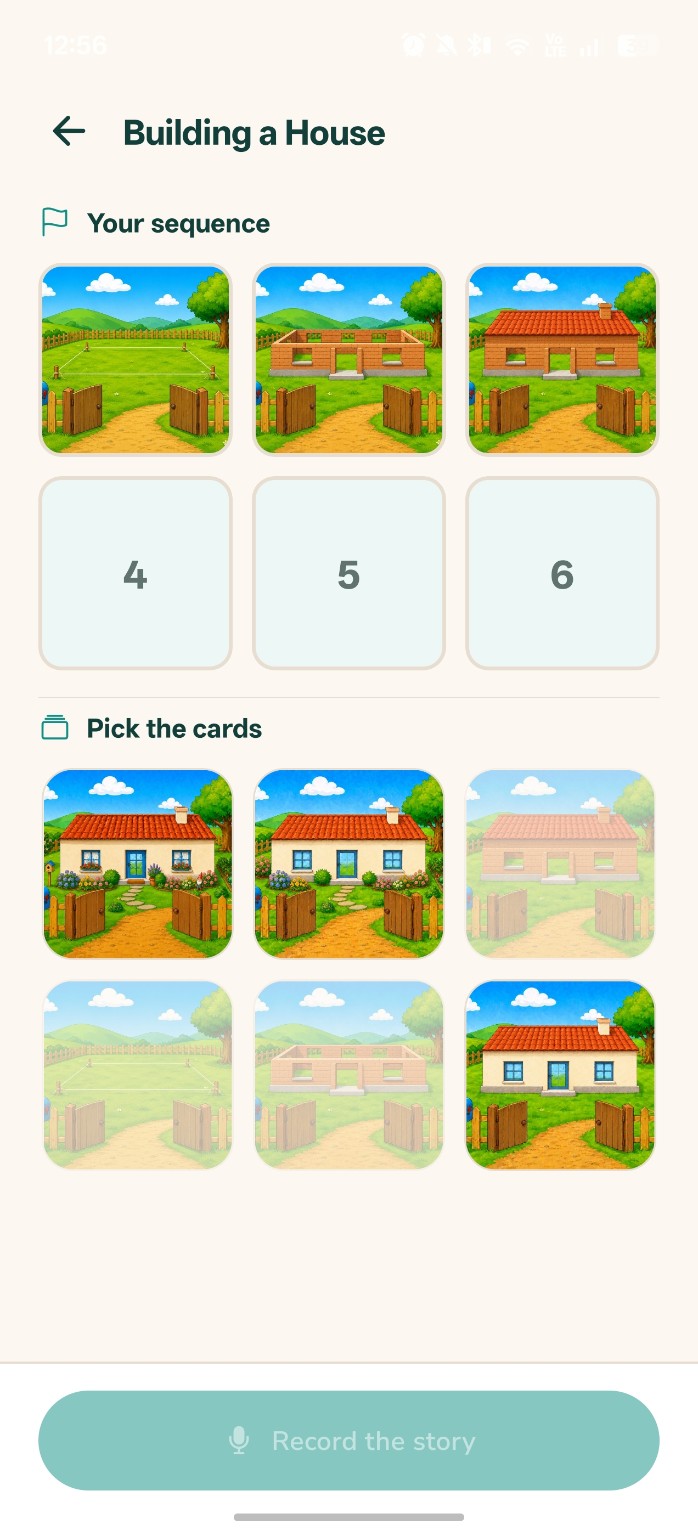
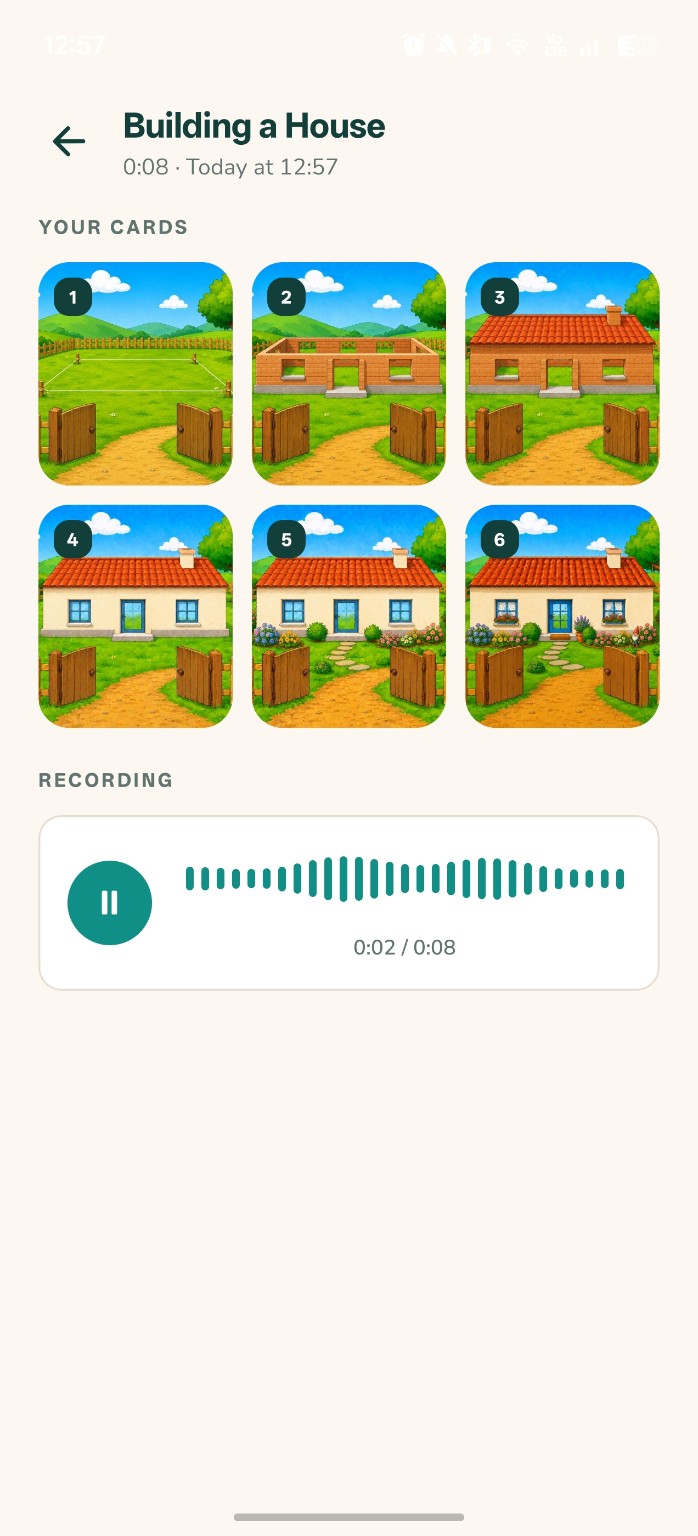
Three simple steps. Every child can tell the same picture story in their own way.
Start with a built-in picture set. Select 4, 6 or 9 cards in settings.
Put the cards in order and talk about what is happening in each picture.
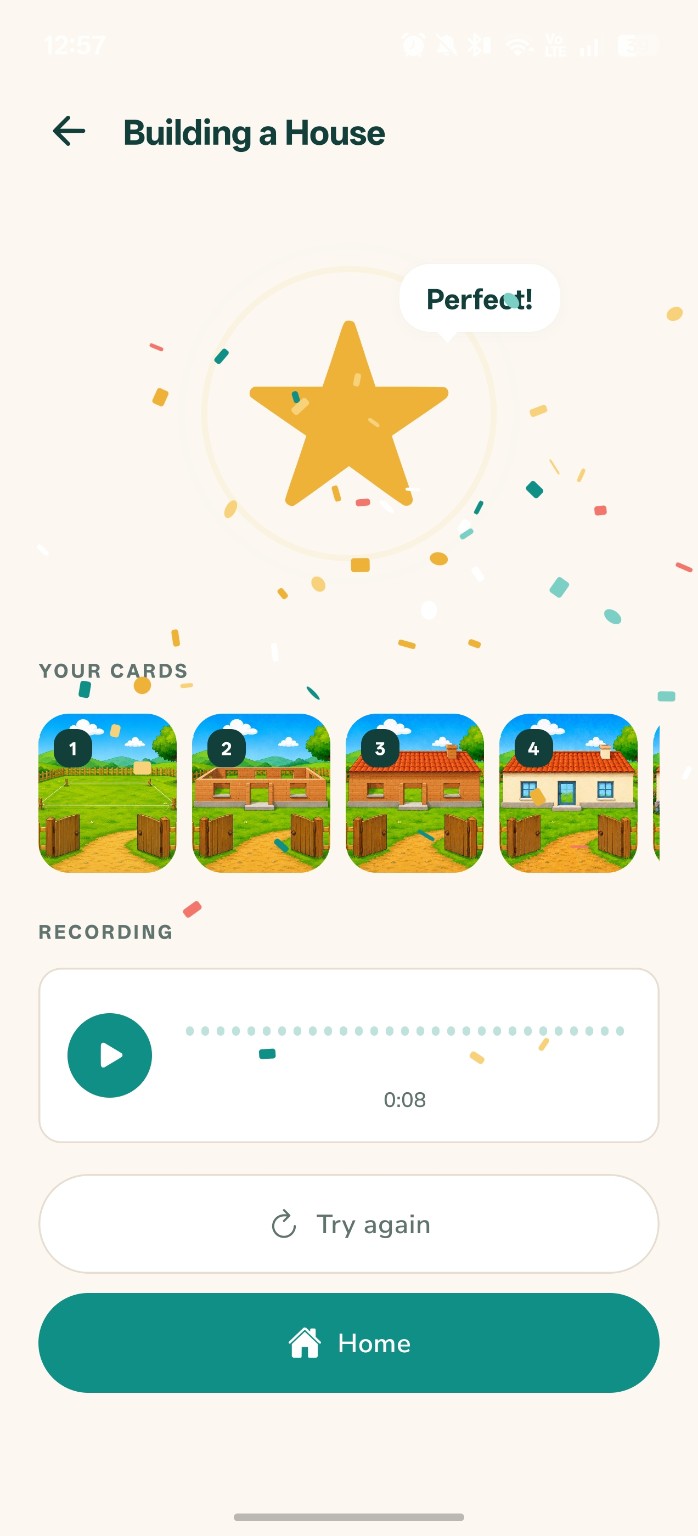
Children narrate in their own words. Listen back and replay a saved story later.
Actual screens from app version 1.0. From the first picture cards to a story in your own voice.
For parents
FluenTales has no accounts, ads or purchases. The child’s name, settings and saved recordings stay in the app on your device. The publisher does not receive them.
How we handle dataPermission is requested when you choose to record a story. There is no cloud speech recognition or voice assessment.
Support, legal information and the Google Play rating link are available through a parental gate in the app.
Not for picture stories, recording or playback. Internet or email connectivity is needed only when opening website links, Google Play or sending a message to support.
In the app’s private storage on your device. The app does not send recordings to a server and has no export or sharing feature.
Choose delete in the saved stories list and confirm. This removes the recording and that story’s data. Uninstalling removes the app’s local data.
Slovak, Czech, German, Portuguese, Spanish, French and English. Unsupported device languages fall back to English.
Write to us.